01 / UNDERSTAND
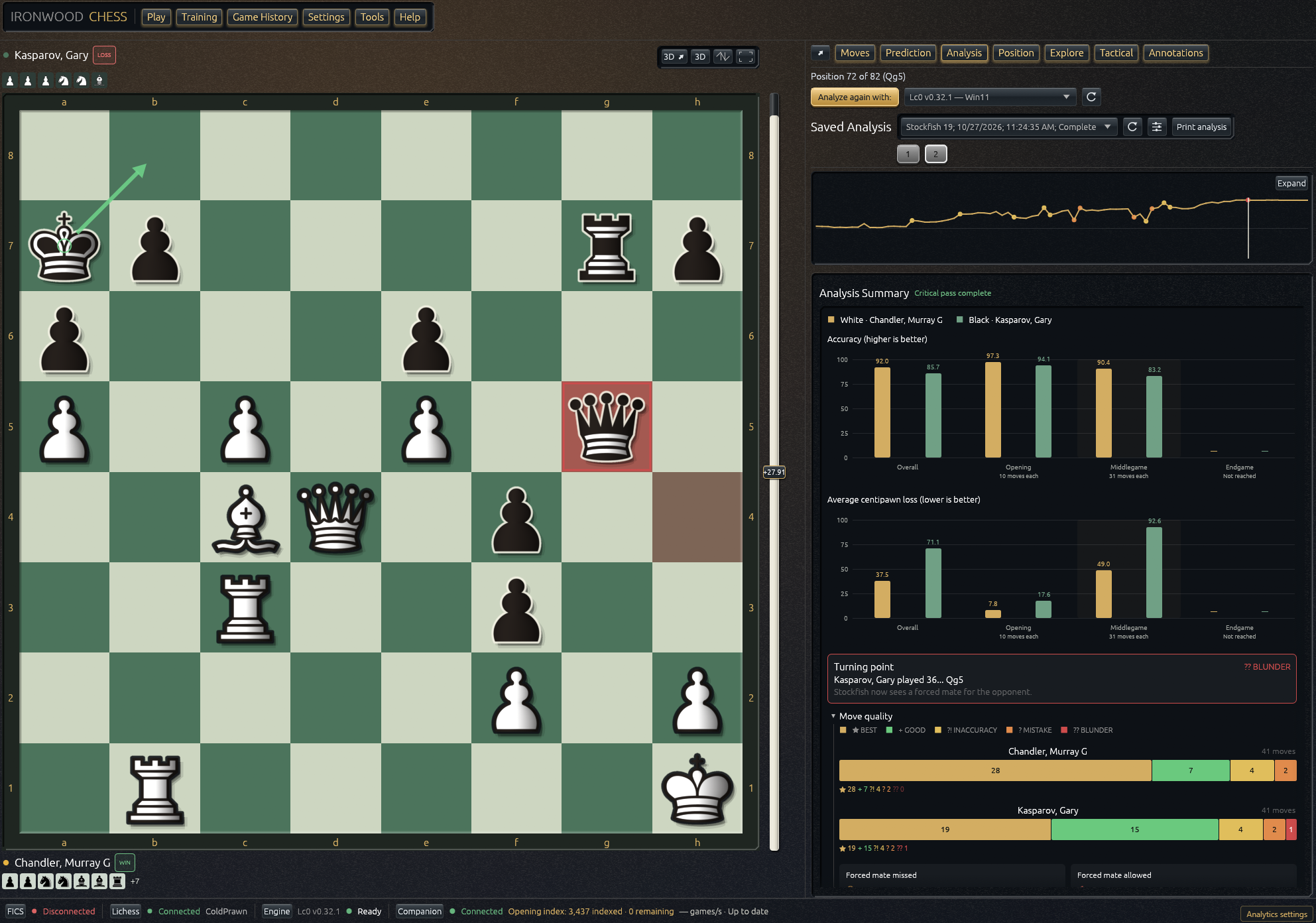
Find where the game changed.
Compare accuracy and centipawn loss, inspect evaluation swings, and replay the engine’s preferred line. Keep separate analysis runs from different engines.
Explore analysis IRONWOOD CHESS
Your next move starts here
Play a game. Understand the turning points. Practice what comes next. Your engines, games, and ideas come together in one free chess workspace.
Runs in your browser. No account needed for local play and analysis.
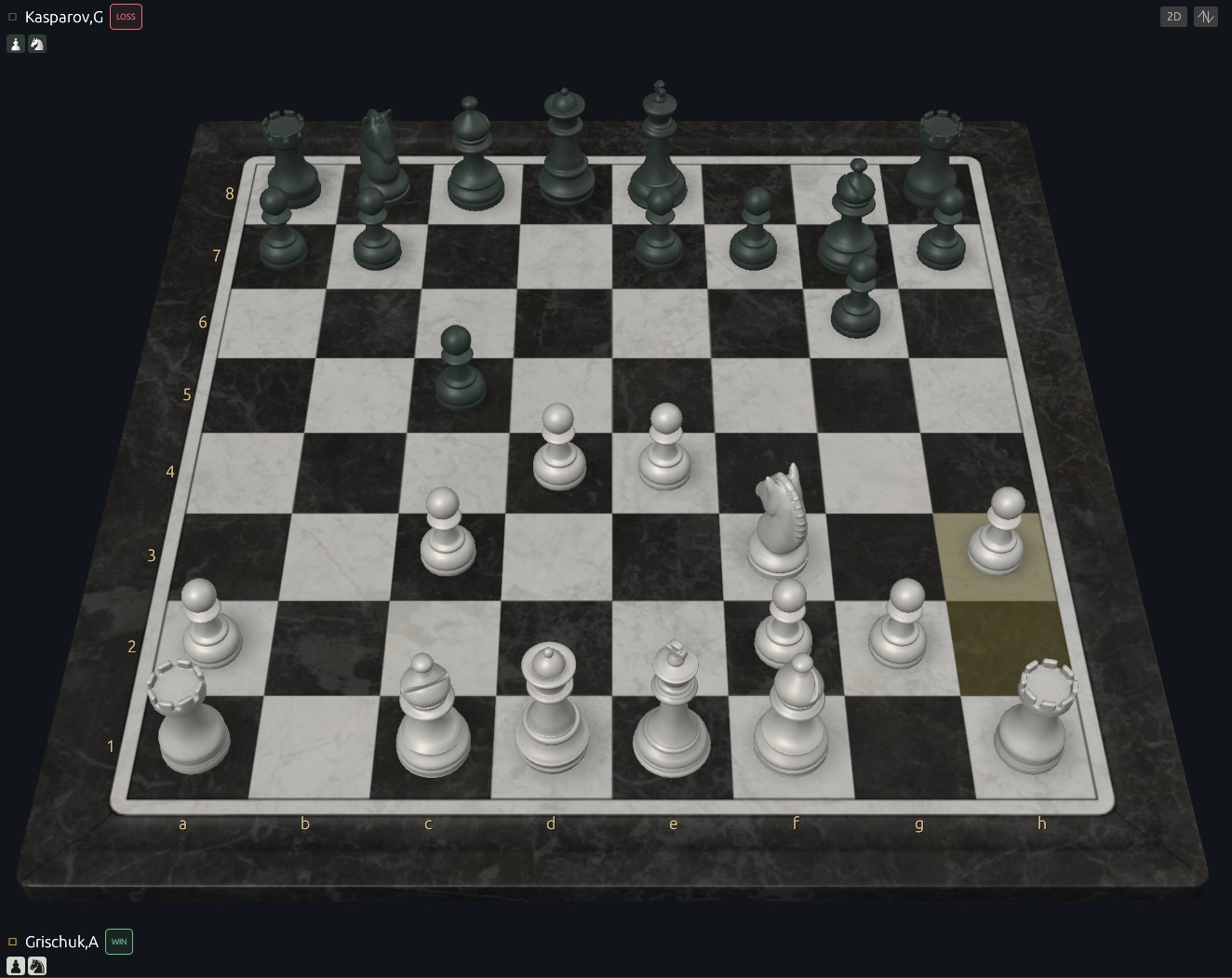
Every game has something to teach you
Go beyond the evaluation. Compare decisions, explore ideas, and turn a finished game into a useful practice session.
Compare accuracy and centipawn loss, inspect evaluation swings, and replay the engine’s preferred line. Keep separate analysis runs from different engines.
Explore analysis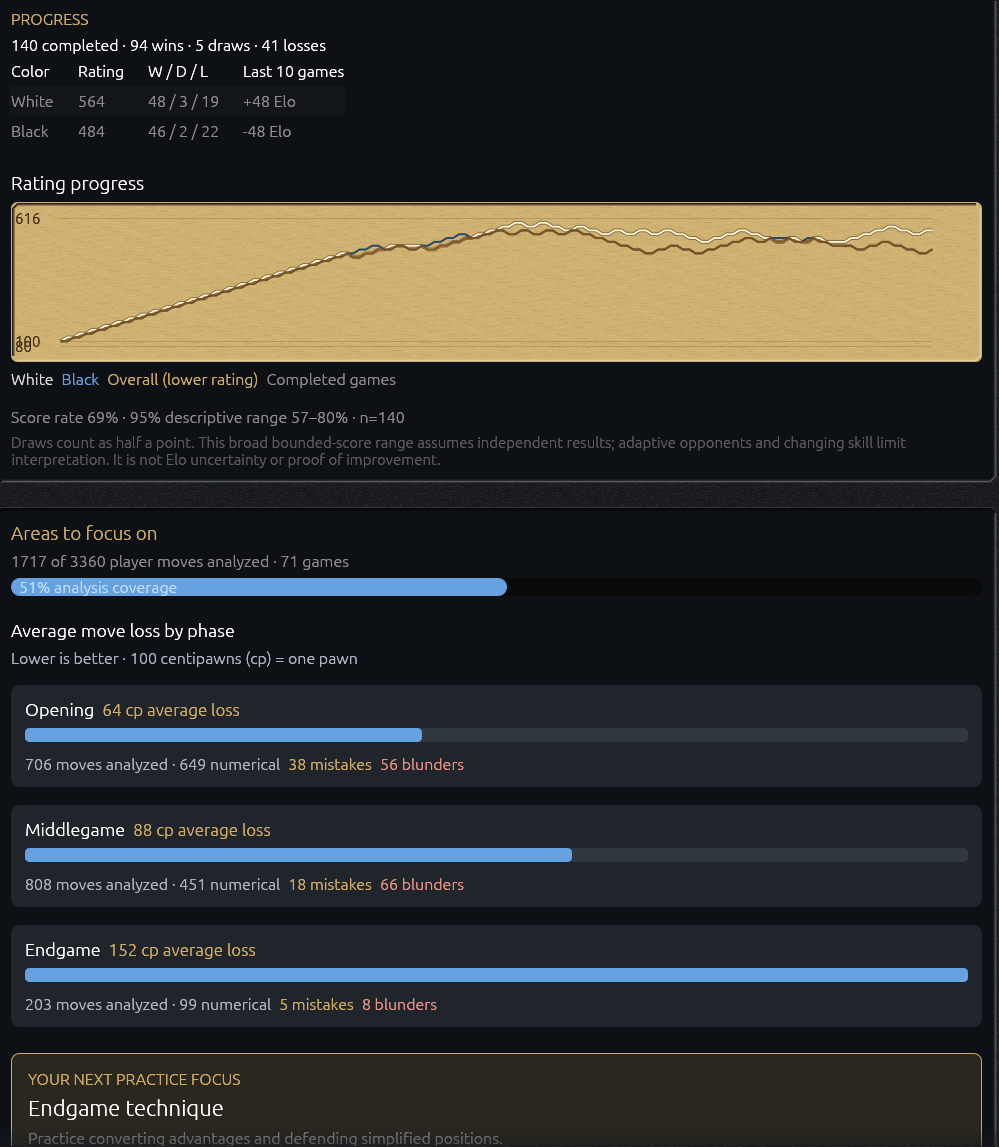
Train against AI, follow your progress with both colors, and work on suggested puzzle themes. Revisit missed Lichess puzzles at your own pace.
Find your training routine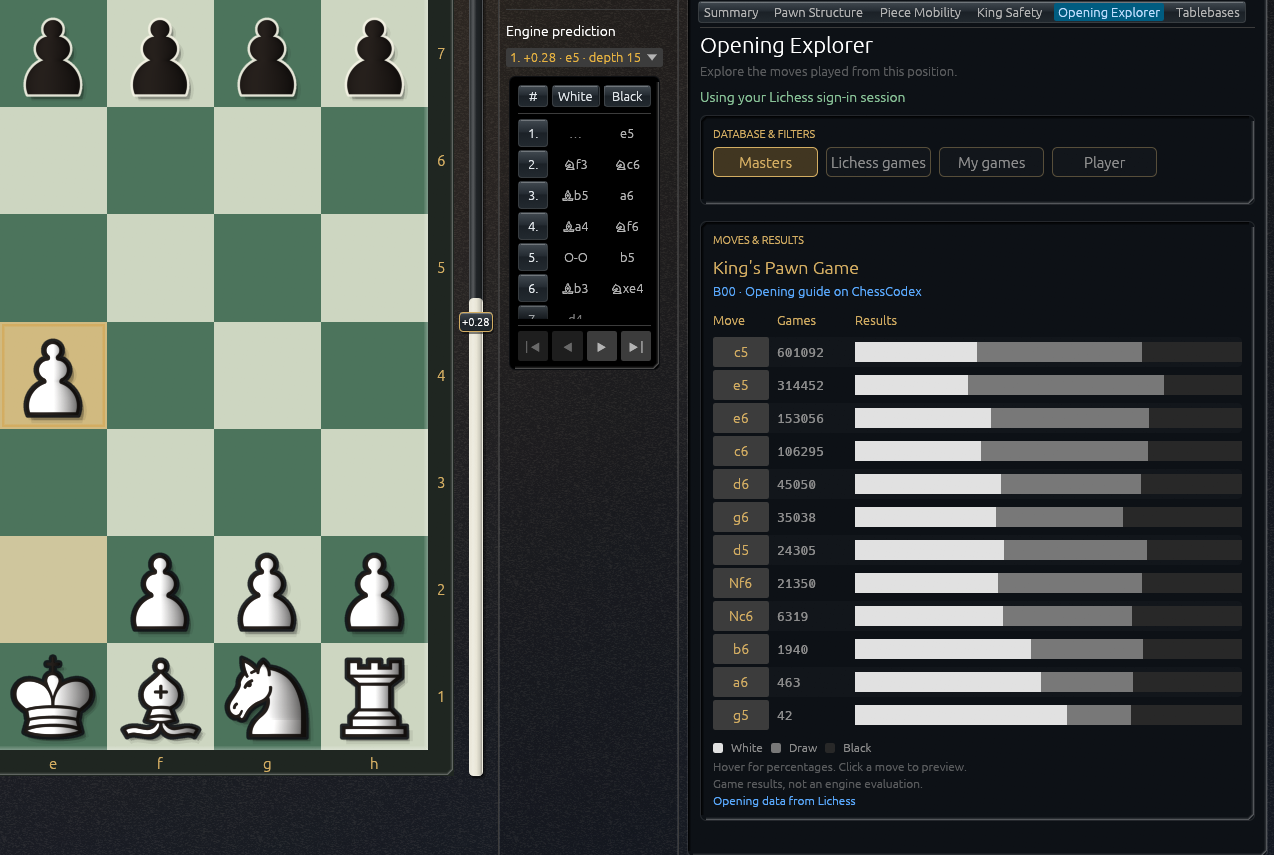
Explore openings and endgames, inspect pawn structure and tactical relationships, and keep your own notes and drawings beside the board.
Discover the study toolsOne workspace, real opponents
Play on Lichess or FICS, then review on the same board. Follow players, explore their games, and bring your own collection into Ironwood.
Bring your games alongOptional. Powerful. Yours.
Start with Stockfish in your browser. Add Companion for Windows when you want desktop engines and a larger game archive.
Windows x64 · Optional download · Browser and Companion libraries stay separate.
Make yourself at home
Free, open source, and ready when you are. Install Ironwood for quick access, or keep it a tab away.
Store the 94.5 MiB engine on this device for offline play and analysis. Online features need a connection.
Explore the source